Configuration
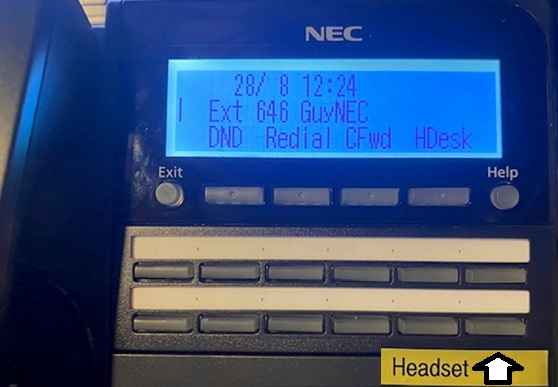
There are some NEC phones like the DT-900 that have a RJ11 headset jack. To support headsets on these phones, perform the following steps.
- Login to the UCX Administration page
- Select Extensions (XTIM) on the left navigation panel
- Select the Extension
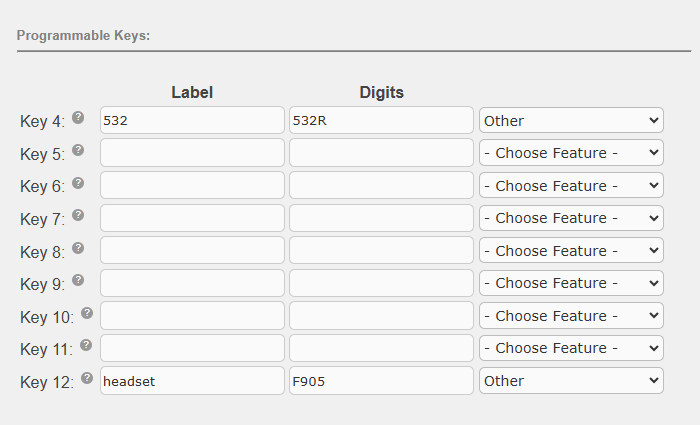
- Scroll down to Programmable Keys and program a key for headset. Enter F905 in the Digits field and give a descriptive label like “headset”.
- Click on Submit Changes followed by Apply Config.
Usage
On the NEC phone, connect a headset to the RJ11 jack. Press the programmed key to enable audio to the headset.
In the example below, headset was programmed on key 12.