Overview
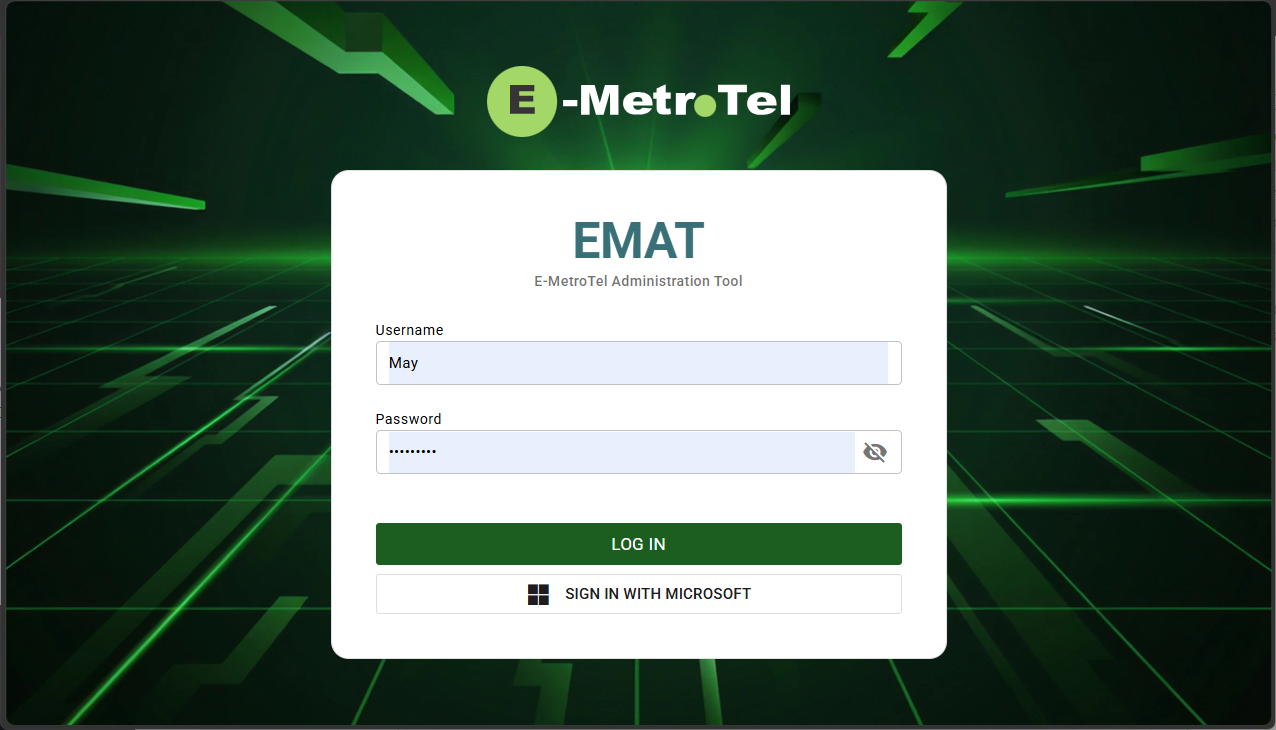
EMAT stands for E-MetroTel Administration Tool. This tool is used to manage the customer’s AI profile and all user related configuration and preferences.
Prerequisites
- InfinityOne must be installed
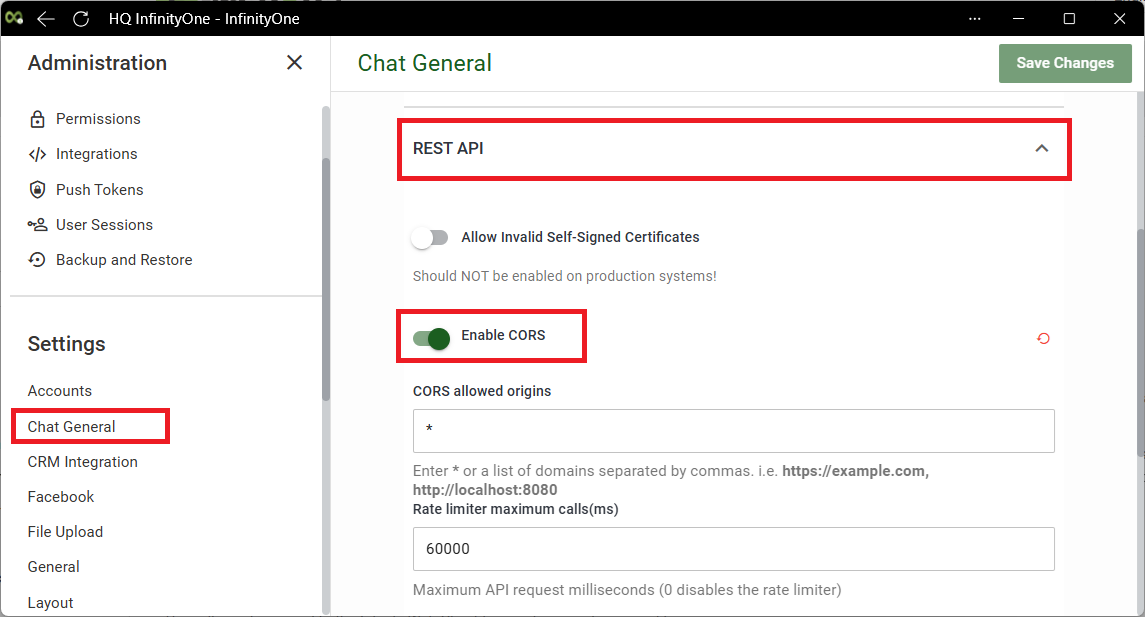
- CORS must be enabled
- Domain name includes “emetrotel.net“
STEP 1 – Verify CORS
]Follow the steps below to verify that CORS is enabled.
- Login to Infinity Web Client
- Navigate to Administration – Chat General page.
- Expand REST API section.
- Toggle on Enable CORS.
- Click Save Changes button.
STEP 2 – Login to EMAT
- Open a browser window and enter the following URL: <UCX Server hostname or IP address>/emat
- Login with your UCX account and password.