
To configure an Infinity extension, perform the following steps:
- Open UCX Administration
- From the PBX tab, select PBX Configuration
- From the left side column, select Extensions
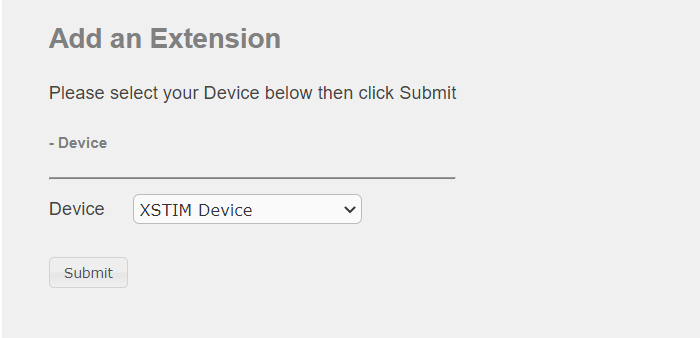
- In the drop-down list box, select the device type XSTIM Device and press the Submit button
- Enter the User Extension and Display Name
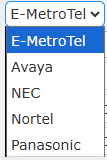
- Select the Phone Vendor from the drop-down list.
- From the Device type drop-down list, select Infinity
- Enter 0 for the MAC address

- Press the Submit button to create the XSTIM extension.
- Select the newly created extension and click on Edit XSTIM Properties.
- Configure the Number of Lines
- Under Key Expansion Modules, the default Module Type is None. This setting will allow the client to have up to 24 keys.
- If you need more than 24 keys, select Infinity Key Expansion – 24 buttons from the pull-down list.
The InfinityOne client can support up to 4 Key Expansion Modules for a total of 120 keys. Select the Number of Modules from the pull-down list.
- Under Programmable Keys, configure the keys as desired
- Press the Submit Changes button
- Press the Apply Config bar
