Subscribe to Page
To view a Page, you have to first subscribe to it.
- At the top of the navigation panel, click the Directory icon
 .
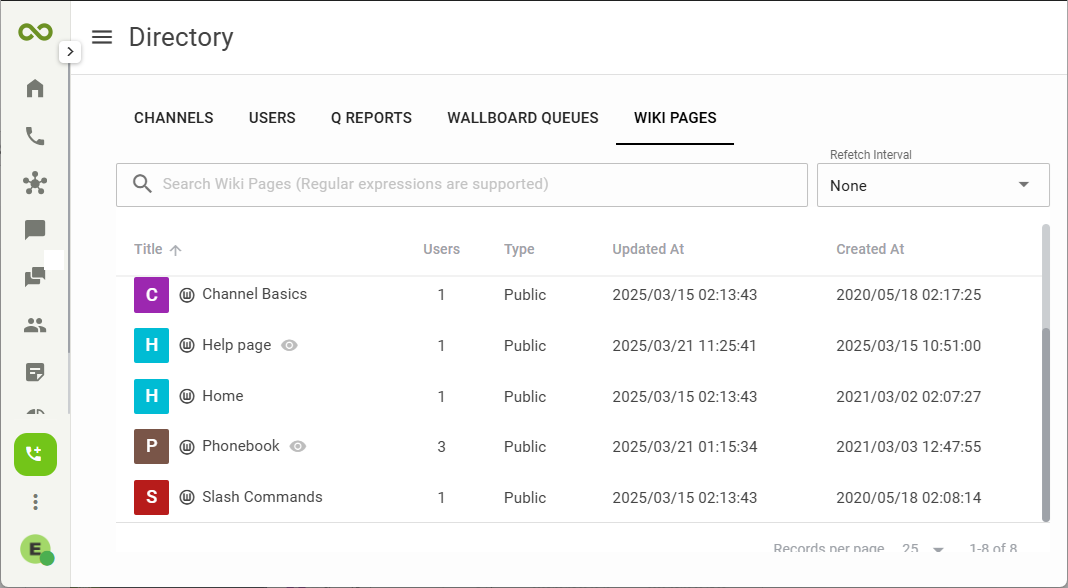
. - On the Directory page, select WIKI PAGES.
- A list of all the pages will be displayed below. You can start typing the name in the Search box
 to filter the list.
 - Click on the page name to preview.
- Click on the green
 Join button at the bottom of the page to subscribe to the page.
 - The subscribed page will appear on the left navigation menu.
Create New Page
To create a new Wiki Page:
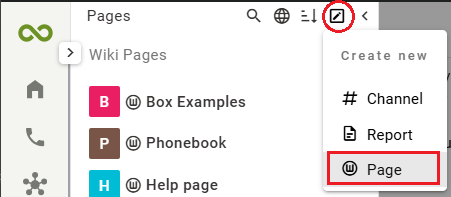
- Go to the top of the navigation menu, click the Create New icon
 and select Page from the drop-list.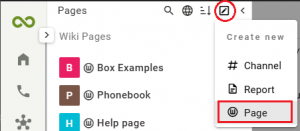
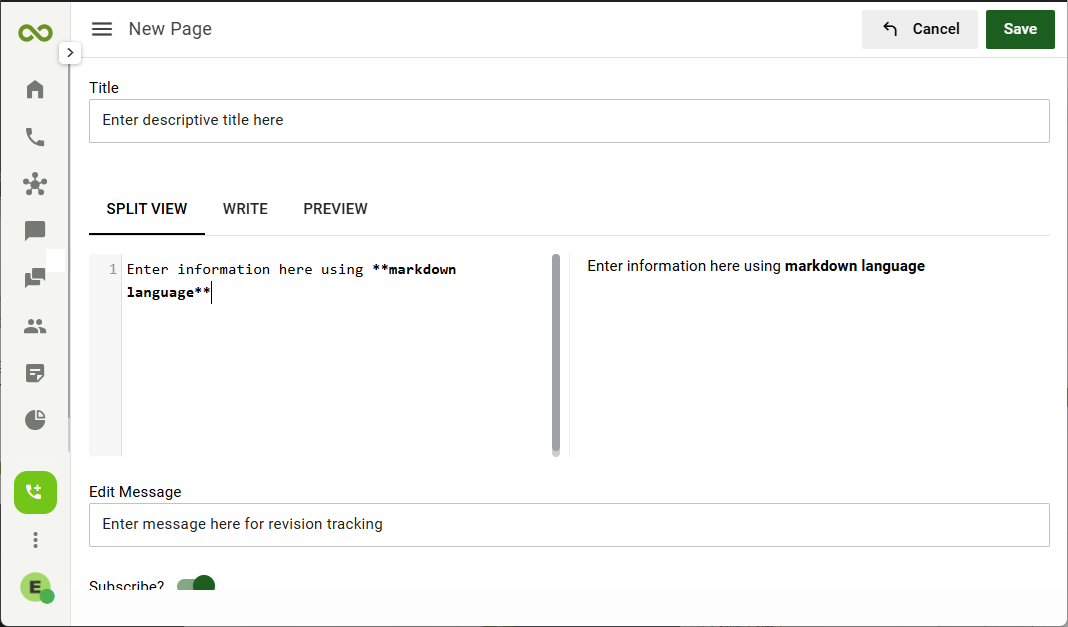
- Enter a Title for the page.
- Enter contents for the page using Markdown language.
- The Edit Message field is for revision tracking, enter a useful note here.
- Click the Save button when done.