
Available Reports
- AgentAvailability
- AgentDisposition
- AgentDuration
- AnsweredCallsByAgent
- AnsweredCallsByQueue
- AnsweredCallsDetail
- AnsweredDisconnectionCause
- AnsweredServiceLevel
- DistributionByQueue
- DistributionPerDay
- DistributionPerDayOfWeek
- DistributionPerHour
- DisributionPerMonth
- DistributionPerWeek
- Transfers
- UnansweredAbandonRate
- UnansweredCallsByQueue
- UnansweredCallsDetail
- UnansweredDisconnectionCause
Subscribe to Report
To view a report, you have to first subscribe to it.
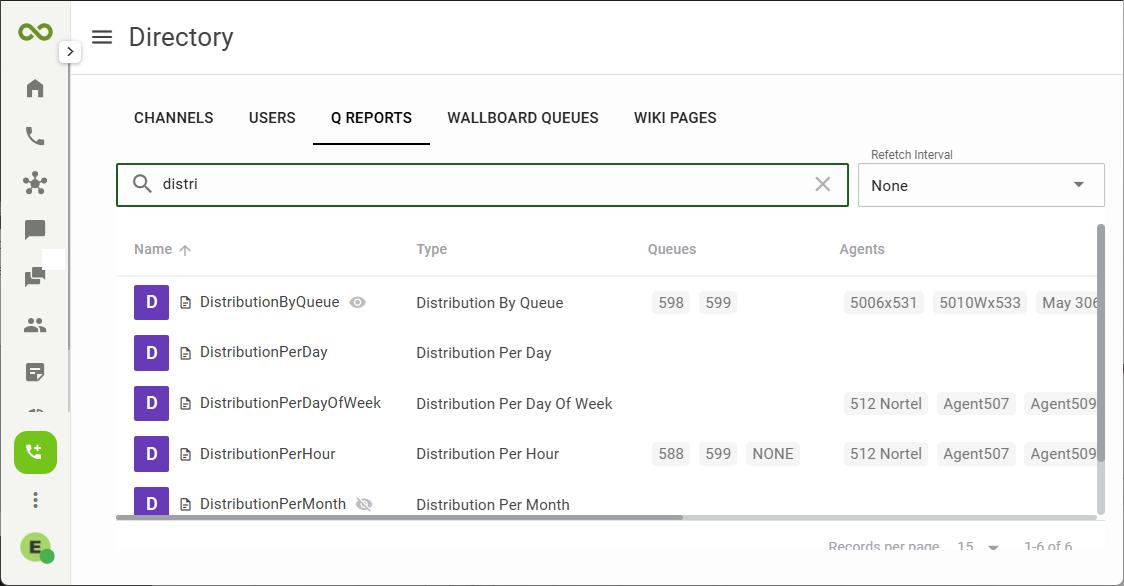
- At the top of the navigation panel, click the Directory icon
 .
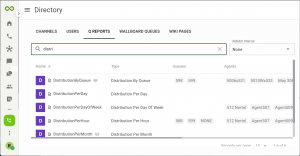
. - On the Directory page, select Q REPORTS.
- A list of all the reports will be displayed below. You can start typing the name in the Search box
 to filter the list.
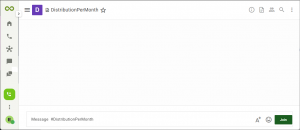
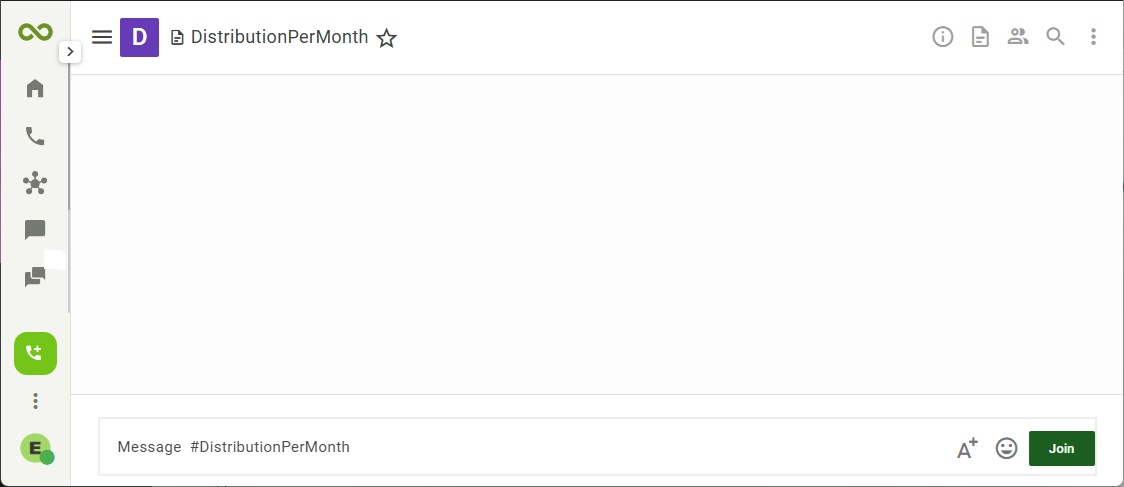
 - Click on the report name to preview the queue report.
- Click on the green Join button at the bottom of the page to subscribe to the report.
Repeat this for each of the reports that you intend to view on this account
All your subscribed reports will appear on the left navigation panel.
