
Info
- Log into the Infinity Web Client as an Administrator.
- Click on the settings icon
 and select Administration.
 - From the Administration navigation panel, select Info.
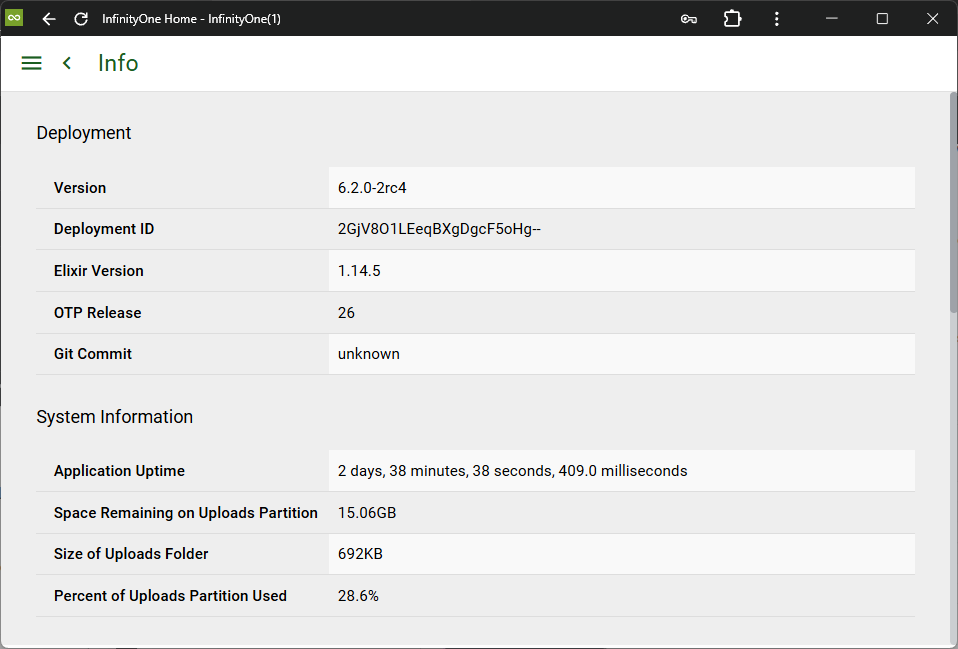
Deployment
The information here provides versioning details of the software deployed.
System Information
The information here may vary depending on your particular UCX platform, however this is how you can track your system up-time and disk space usage.
Usage
Provides an active count of users, rooms, channels and messages. On a newly installed system, you will see the following:
- Two users already configured, one identified as online, and one offline.
- There should also be a total of one room, which is corresponds to the total of one channel. (Total Rooms = Total Channels + Total Private Groups + Total Direct Message Rooms)
Push Notification Server
The Push Notification Server status is provided. The Push Notification Server is used to send certain messages to mobile devices.
Rooms
From the Administration navigation bar, select Rooms.
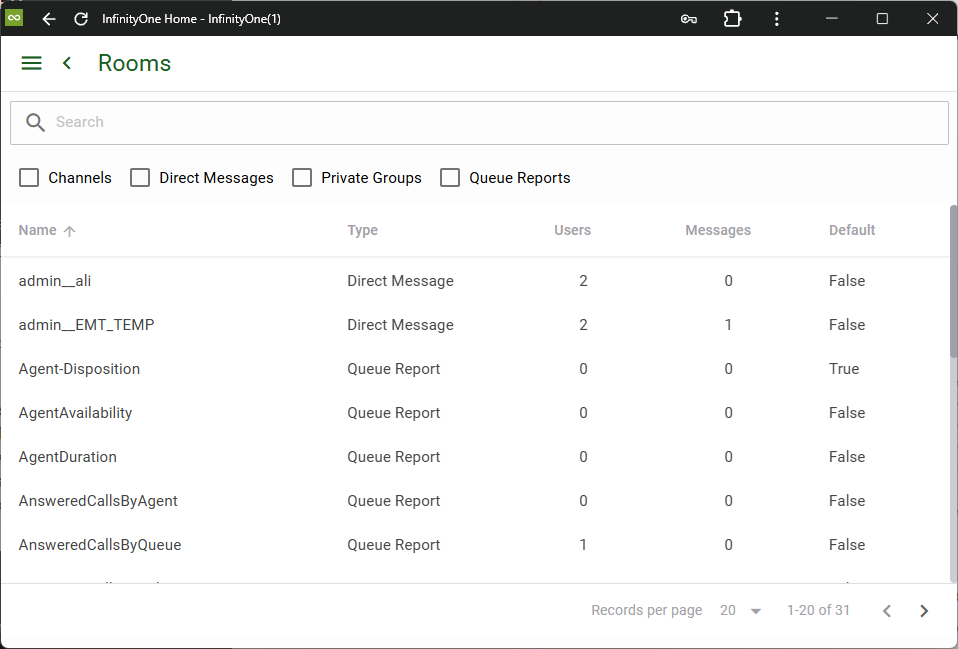
The checkboxes for Channels, Direct Messages and Private Groups can be used to filter the list of rooms shown.
On a newly installed system, there should be a single room shown (the default is general).
Note that on the Rooms page, as well as many other pages, lists can be sorted simply by clicking on the column headings. Also note that page navigation is provided at the bottom of the page to move forward and back between pages of entries, skip to the first or last page, and change the number of entries included in each page.
Users
From the Administration navigation bar, select Users.
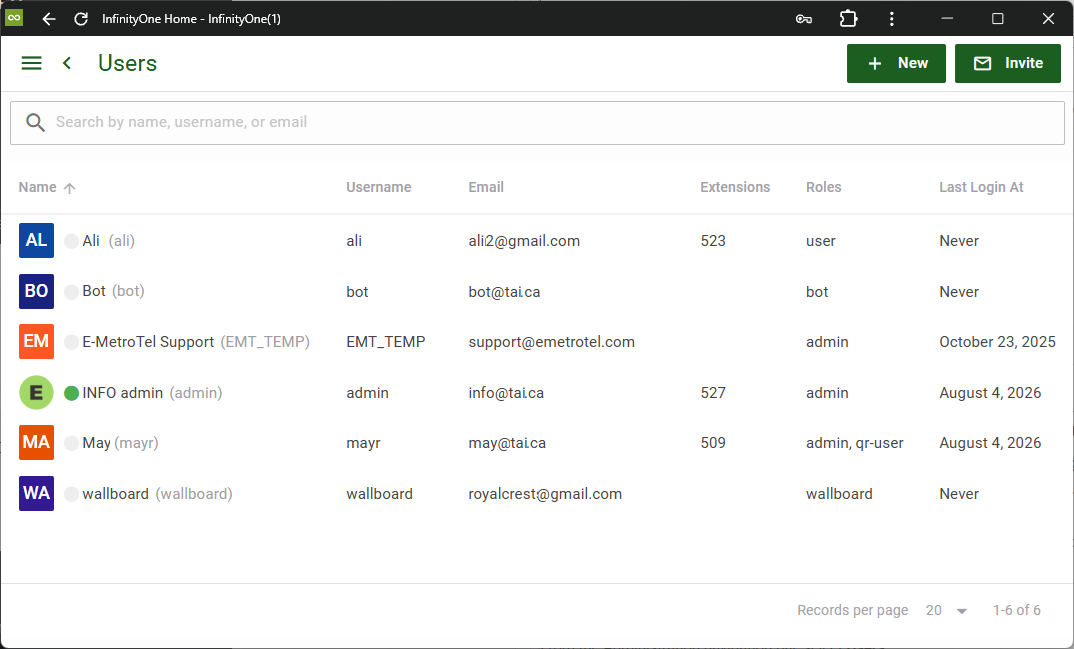
On a newly installed system, there should be two users shown:
- The first will be the default admin account.
- The second is the “Bot” account. This account is used internally within the InfinityOne system to complete various tasks. For example, when you invite others to a conversation in a direct message, InfinityOne uses the Bot account to create a private channel with the two Direct Message accounts as well as anyone included in the invitation.
It is important to verify that these two email addresses are associated with the correct customer domain.
To add more users, refer to Infinity Web Client – Users.
